
Building Delightful Experiences with Rive
Building one shot, looping, and stateful animations with Rive & KMP
This is Part 2 of our Rive series. Start here with Choosing Rive for Mobile Animation.
When we introduced Rive into our app, the goal was not just to add animations, but to create interactions that feel responsive, expressive, and alive.
At the moment, we are using Rive in three main applications: to create small, whimsical moments of delight throughout the app, to take taps further into moments of meaningful interactivity opportunities that can be expanded upon over time, and to bring our robot mascot, ELI, to life.
Achieving fluid, character-driven animation (especially when it involves continuous deformation or organic motion) is generally the space left to animation frameworks and game engines, and too complex for Compose. Lightweight animation frameworks like Rive allows us to handle these cases more naturally while keeping a lean mobile footprint for performance. As an added benefit, all animations created in Rive can also be reused outside of the app, such as on our website.
Whimsical Animations
Across the app, we use Rive to add small moments of delight. These animations make interactions feel more engaging without adding unnecessary complexity to our codebase.
In practice, these animations typically fall into three categories: one shot animations, loops, and state transitions.
One-Shot Animations
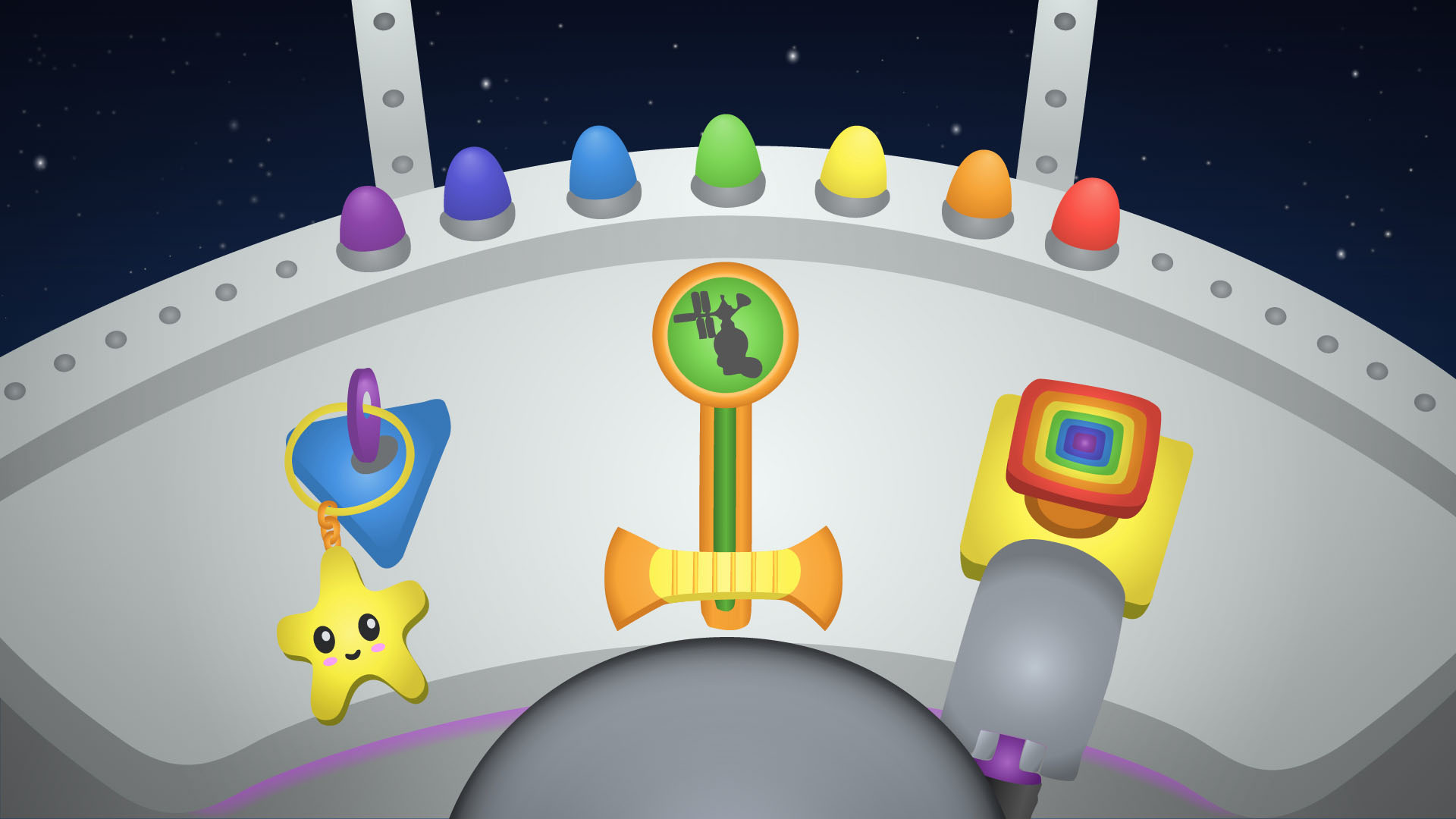
One-shot animations, such as a key turning or a button being pushed. These are typically triggered by a user action like a button press.
Here's an example where a rainbow colored button is pressed down once and returns to its original position, demonstrating a one-shot interaction animation.
Looped Animations
Looped animations, such as a windsock flapping in the wind with our realistic weather effects, provide ambient motion and make the interface feel more dynamic.
Here's an example where a windsock gently flaps back and forth in a continuous looping motion, demonstrating an ambient animation.
State Transition Animations
State machine transition animation help transitions an asset between different states, for example a light switching between on and off states with data binding.
Here's an example where a lever transitions smoothly between up and down positions, demonstrating a state-based animation.
Animating our Robot Mascot, ELI
Our app is designed for children, so our robot mascot named ELI needs to be highly expressive. ELI is not just decorative. It plays an active role in guiding and engaging the user throughout the app experience, and beyond.
To achieve this, we use Rive to combine multiple animations (movement, expressions, and state changes) into a single cohesive system, while still allowing different parts of the character to respond independently, like a puppet. For example, ELI can be moving through an environment while simultaneously changing expressions or reacting to app events. This allows us to convey both intent and emotion in a way that feels more natural and responsive.
ELI adventures through a range of environments, like exploring space, diving in the deep sea, and taking expeditions across a variety of terrains. Rive allows us to reuse the same animation system while adapting the character’s appearance and behavior to each context.
Here's an example where ELI hovers in an underwater environment, with natural eye motion while reacting to changes in its battery level.
A System, Not Just Isolated Animations
One of the key realizations for us was that these animations are not isolated, they are connected to the state of the app and support each other.
Whimsical animations are tied to specific interactions or moments, providing immediate feedback to the user. They help create a magical environment that the user becomes part of. At the same time, ELI’s animations reflect what is happening in the app, changing expressions, reacting to events, or adapting to the different environments.
This means that for us, animations are not just visual effects, they are a fundamental part of our storytelling and require intentional design. Thinking about them this way helps us make better decisions about when to use Rive and how to structure our animations.
Conclusion
Rive has become a core part of how we design animations and interactions in our app for more powerful storytelling. When used with Compose, we have found it far easier to build interesting and delightful experiences far beyond static interfaces and build experiences that feel more expressive and engaging for young users.
At the same time, not every animation needs this level of complexity. Understanding where Rive adds value and where simpler solutions are enough, has been just as important as learning how to use it.